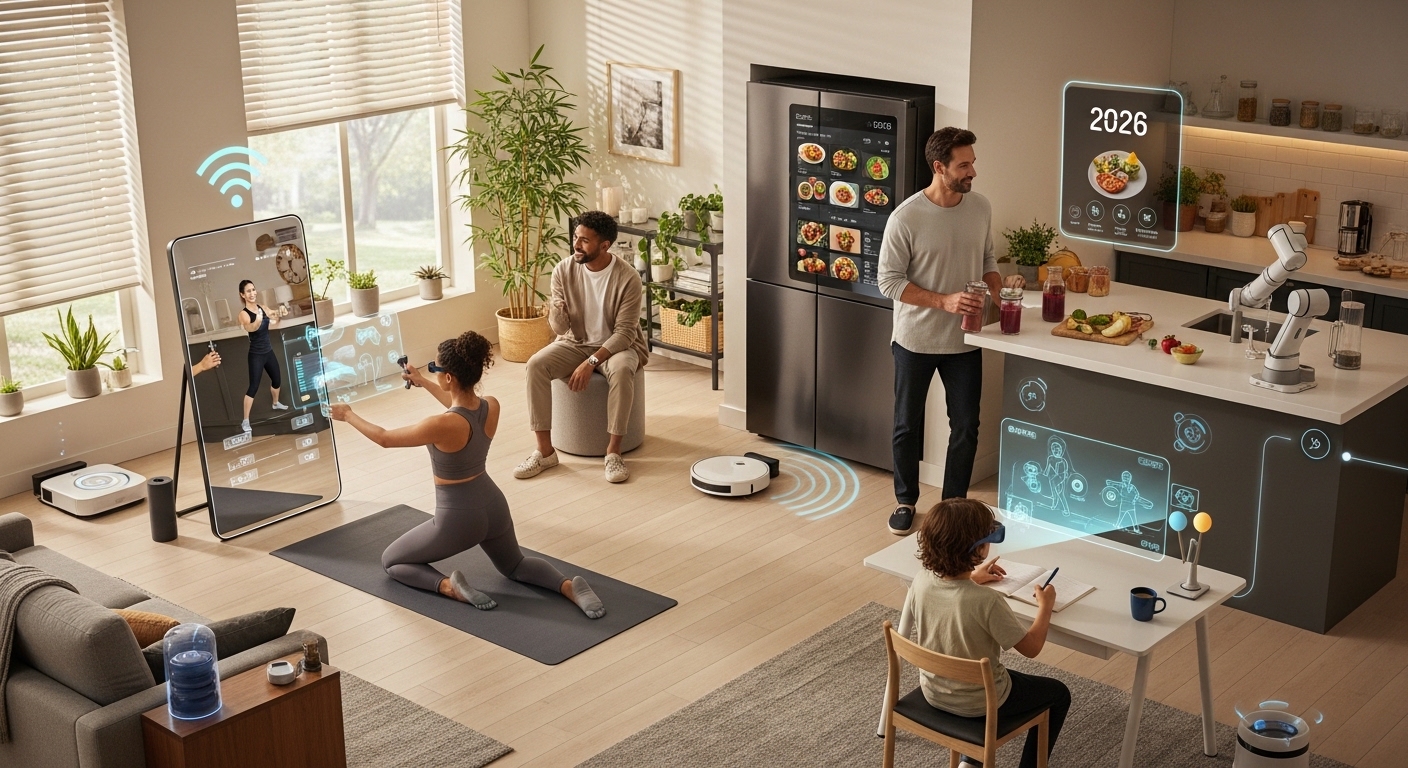
Smart home tools in 2026 are connected devices that automate everyday household tasks using apps, sensors, and voice commands. These include smart lights, smart plugs, robot vacuums, security cameras, smart kitchen devices, and AI-powered assistants that adapt to user habits.
Imagine starting your morning with lights that turn on automatically, a kettle that heats water before you enter the kitchen, and reminders synced across your devices. That is no longer futuristic. It is becoming standard. Smart home tools 2026 are designed to reduce manual effort, save energy, and improve home safety.
Many households now rely on automation to manage lighting, temperature, cleaning, and security. Industry adoption trends show more than one-third of urban households globally use at least one smart home device. The shift is practical, not experimental anymore.
If your routine still depends on manual switches, reminders, and repetitive tasks, you are spending extra time every day. This guide explains how smart tools upgrade routines step by step and where to start without overspending.
Why should you upgrade your home routine with smart home tools in 2026?
You should upgrade your home routine with smart home tools in 2026 to save time, reduce electricity waste, improve security, and simplify daily decision-making through automation.
Many people believe smart homes are expensive. The real problem is not cost. The problem is inefficient routines. Repeating small manual tasks daily creates hidden friction.
Here are common routine problems:
- Forgetting to switch off lights and fans
- Manual temperature adjustments
- Security uncertainty while traveling
- Wasting time on repetitive chores
- Unstructured morning or night routines
Smart home tools solve these problems by automating triggers. For example:
- Lights switch off automatically when no motion is detected
- Air conditioning adjusts based on room temperature
- Security alerts arrive instantly on your phone
- Cleaning runs on schedule without supervision
A structured home routine reduces decision fatigue. Over time, automation improves productivity and reduces stress.
Which smart home tools 2026 should you start with first?
The best smart home tools to start with in 2026 are smart plugs, smart lights, voice assistants, robot cleaners, and smart security cameras because they offer immediate benefits with minimal setup.
Start small. Upgrade gradually. Focus on devices that solve real problems in your routine.
| Tool | Main Benefit | Best Use Case |
|---|---|---|
| Smart Plugs | Energy control | Automating appliances |
| Smart Lights | Scheduled lighting | Morning/night routines |
| Voice Assistant | Hands-free commands | Task coordination |
| Robot Vacuum | Automatic cleaning | Busy households |
| Security Cameras | Real-time monitoring | Travel safety |
These tools create the foundation of a connected home ecosystem.
How do smart lighting systems improve daily routines?
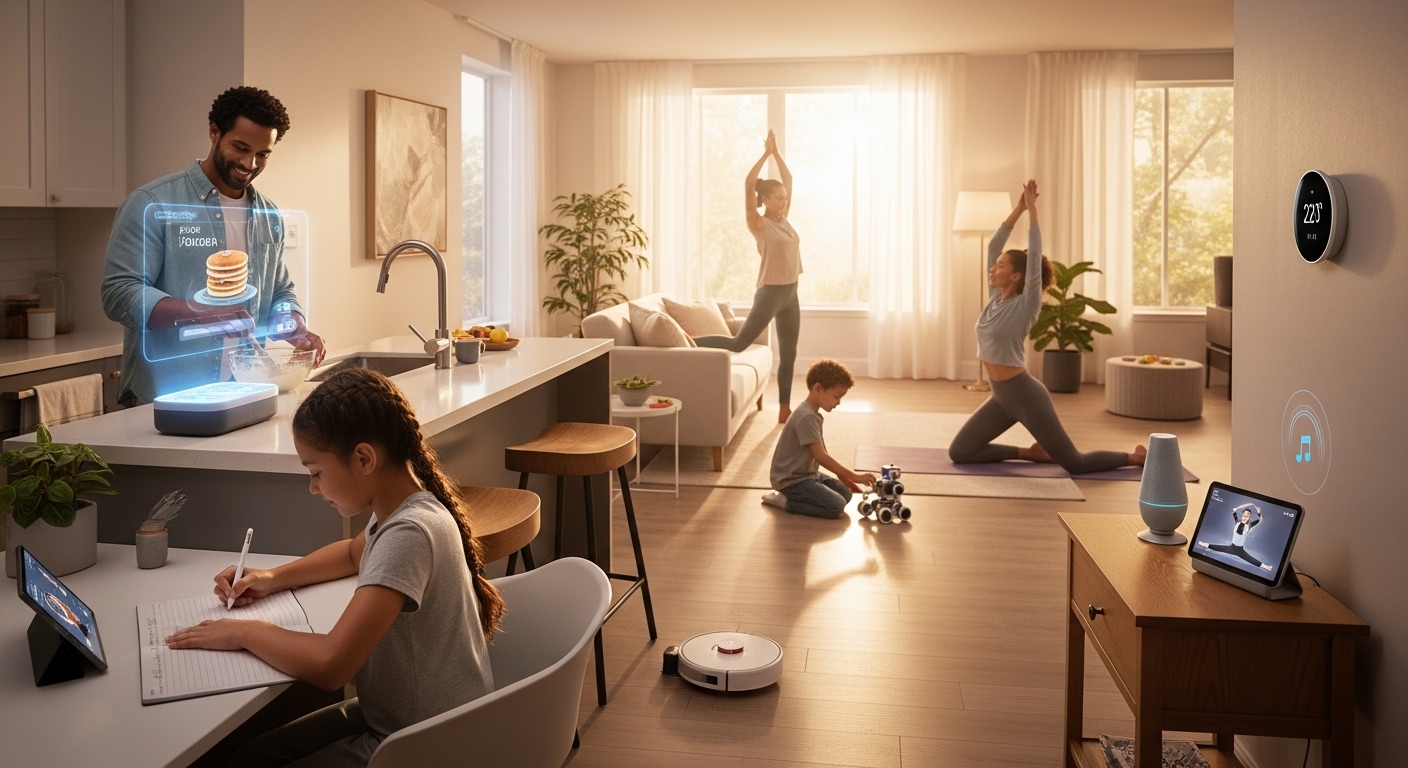
Smart lighting systems improve routines by adjusting brightness automatically based on time, occupancy, and activity patterns.
Lighting affects productivity, sleep cycles, and energy usage. Traditional switches do not adapt to behavior. Smart lighting does.
Example routine upgrade:
- Lights fade on at wake-up time
- Desk lights activate during work hours
- Evening lights reduce brightness gradually
- Outdoor lights switch on after sunset
Studies on lighting automation show households can reduce lighting-related electricity use by up to 20 percent through scheduling and motion detection features.
That means convenience and measurable savings together.
Can smart kitchen tools really save time every day?
Yes. Smart kitchen tools save time by automating preparation steps, tracking cooking progress, and reducing monitoring effort.
Morning kitchen routines often create delays. Smart kettles, coffee machines, and timers remove waiting time.
Examples of routine improvements:
- Pre-heating devices before entering the kitchen
- Scheduled coffee brewing
- App-controlled cooking timers
- Inventory reminders for groceries
Some households report saving 10–20 minutes daily through scheduled kitchen automation alone. Over a month, that equals several hours recovered.
How do smart cleaning devices reduce household workload?
Smart cleaning devices reduce workload by running automatically on schedules and navigating rooms using sensors and mapping technology.
Cleaning is one of the most repetitive tasks in any home routine. Robot vacuums and smart mops handle this efficiently.
Routine upgrade example:
- Vacuum runs while you work
- Dust detection increases cleaning intensity
- Cleaning pauses automatically when obstacles appear
- Devices recharge without assistance
Case study data from smart cleaning adoption reports shows households using robot vacuums reduce weekly floor-cleaning time by up to 60 percent.
This creates consistent cleanliness without manual effort.
Are smart security tools worth adding to your home routine?
Yes. Smart security tools improve safety awareness by providing real-time alerts, remote monitoring, and automated recording.
Traditional locks and cameras require physical access. Smart systems allow remote control through mobile devices.
Security automation examples:
- Door alerts when someone enters
- Motion detection notifications
- Live video access during travel
- Auto-lock scheduling
Many users report increased peace of mind after installing entry monitoring tools. This psychological benefit is one of the strongest reasons people adopt smart home tools 2026.
How can smart climate control tools improve comfort and reduce costs?
Smart climate control tools adjust temperature automatically based on occupancy, weather conditions, and schedules to improve comfort and reduce electricity bills.
Manual temperature control leads to energy waste. Smart thermostats learn behavior patterns.
Routine upgrade example:
- Cooling activates before bedtime
- Temperature reduces when no one is home
- Humidity alerts trigger ventilation
- Weather-based adjustments optimize performance
Energy monitoring studies suggest automated temperature control can reduce heating and cooling costs by 10–15 percent annually.
Do voice assistants actually simplify home management?
Yes. Voice assistants simplify home management by controlling multiple devices through a single command interface.
Instead of opening several apps, users can control everything verbally.
Examples:
- Turn off all lights with one command
- Check daily schedule instantly
- Set reminders while cooking
- Control entertainment systems
Voice control reduces interaction time with devices and increases accessibility for all age groups.
How can smart home routines improve productivity for remote workers?
Smart home routines improve productivity by automating workspace lighting, noise management, and task reminders.
Remote workers often struggle with structure. Smart automation creates boundaries between work and personal time.
Example productivity setup:
- Desk lights activate at work hours
- Notifications silence during focus sessions
- Break reminders trigger automatically
- End-of-day shutdown routine runs
Structured environments support consistent performance without relying on willpower alone.
What is the best step-by-step plan to upgrade your home routine with smart home tools in 2026?
The best upgrade plan starts with identifying routine friction points and introducing automation gradually.
Follow this sequence:
- Step 1: Install smart plugs
- Step 2: Add smart lighting
- Step 3: Introduce voice assistant control
- Step 4: Automate cleaning routines
- Step 5: Add security monitoring tools
- Step 6: Optimize climate control
This staged approach prevents unnecessary spending and ensures each upgrade delivers measurable value.
Are smart home tools expensive to maintain in 2026?
No. Most smart home tools require minimal maintenance and operate through existing Wi-Fi infrastructure.
Maintenance typically includes:
- Software updates
- Battery replacement for sensors
- App synchronization
- Occasional cleaning of hardware
Compared with time savings and energy reduction, maintenance effort is low.
How do smart home tools support energy-efficient living?
Smart home tools support energy efficiency by tracking usage patterns and automatically reducing unnecessary consumption.
Examples:
- Lights switch off when rooms are empty
- Appliances shut down after inactivity
- Cooling adjusts during sleep hours
- Usage reports highlight waste sources
Energy tracking dashboards help households make informed decisions about electricity usage.
Conclusion: How can you start upgrading your home routine today?
Upgrading your home routine with smart home tools 2026 does not require a full system overhaul. It starts with one improvement that removes daily friction. Smart plugs, automated lighting, and cleaning devices deliver immediate results.
The biggest benefit is consistency. Automation creates predictable routines without relying on memory or effort. Over time, this improves productivity, comfort, and safety inside the home.
Start with one device this week. Observe how your routine changes. Then expand step by step. A connected home is not about technology. It is about designing a smoother lifestyle.
If you want a practical checklist for building your first smart setup, bookmark this guide and begin with the starter tools listed above.
FAQs About Smart Home Tools 2026
Are smart home tools difficult to install?
Most smart home tools are designed for quick installation using mobile apps. Many devices require only Wi-Fi connection and basic setup steps that take less than ten minutes.
Do smart home tools work without internet?
Some features continue working locally, but full automation and remote access typically require internet connectivity for synchronization and updates.
Are smart home devices safe for privacy?
Modern smart home tools include encryption and user permission controls. Choosing trusted manufacturers and updating software regularly improves security protection.
Which smart home tool saves the most time daily?
Robot vacuum cleaners and automated lighting systems provide the fastest visible time savings because they replace repetitive manual actions.
Can smart home tools reduce electricity bills?
Yes. Scheduling devices and monitoring usage helps reduce unnecessary power consumption. Many households report measurable monthly savings after automation upgrades.
Is it necessary to build a full smart home system at once?
No. Most users start with one or two devices and expand gradually based on routine needs and budget flexibility.
Do smart home tools work in small apartments?
Yes. Compact homes benefit even more from automation because fewer devices are required to control lighting, climate, and appliances efficiently.
Read More Also: Right Cordless Power Tools in 2026
Learn More: How to become a solicitor